SaaS listings for SEO and GEOPart 2 of 3
Chrome Web Store SEO for extensions
Chrome Web Store SEO is worth doing because a listing page on Google's own store can outrank a young product site for its own name, and Google's AI answers cite the store more than any other software directory. The link to your site is ugc nofollow, so ship the same build to Microsoft Edge Add-ons for a followed link.
Does a Chrome Web Store listing rank in Google?
Yes. Chrome Web Store listing pages rank for about 219,000 search terms in the US between them, mostly each extension's own name plus "extension" or "chrome".
They also draw an estimated 4.66 million visits a month from Google, and Google's AI answers cite the store about 76,000 times in the sample we pulled. When someone asks an assistant for "a Chrome extension that checks SEO", these listings are among the pages it reads. Edge Add-ons is far smaller, at about 11,500 ranking search terms, but still a page on Microsoft's domain with your name on it.
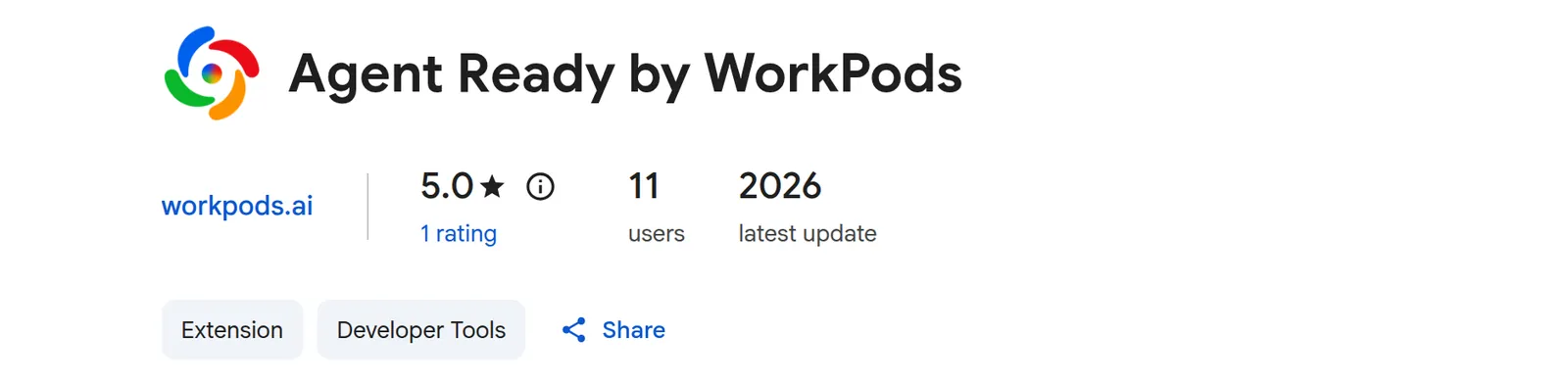 Our Chrome Web Store listing. Its link to workpods.ai is ugc nofollow; checked 11 Nov 2026.
How do I make an extension listing rank?
Put the words people search in the listing's name and the first sentence of its description, then describe concrete tasks in plain prose. The name and the start of the description decide what the listing ranks for and what an AI answer quotes.
Search "[task] chrome extension" in Google first and read the names and opening sentences of the listings that rank, then reuse their vocabulary:
- Name: your product name, plus the task if it fits.
- Summary: one sentence saying the task and who it's for.
- Description: the task and "Chrome extension" in the first line, then the features, in sentences.
- Screenshots: the result, with text large enough to read.
- Website link: a page about the extension, not your homepage.
Keep claims checkable. Store reviewers and AI answers both handle vague superlatives badly.
What should the listing link to?
Link to a page about the extension that uses the same product name and the same one-sentence description as the listing. Search engines and AI answers then treat the store listing and your page as one product and repeat one consistent description.
That page should link back to every store you're on and say what the extension does with data, which reviewers and careful buyers both look for. Ours are Agent Ready and Local SEO.
How do I publish a Chrome extension?
Create a Chrome Web Store developer account, build and zip the extension, upload the zip in the Developer Dashboard, fill in the listing and privacy fields, and submit it for review. A developer account takes a one-time registration fee and a Google account.
Our extensions use WXT, which builds each browser's package from one codebase:
# Production build for Chrome and Edge (Manifest V3), then the upload zip
npm run build
npm run zip

# Firefox: a separate Manifest V3 build and zip
npm run build:firefox
npm run zip:firefox
In the dashboard, upload the zip from .output/, fill in the store listing, then the privacy tab: a single-purpose statement, a sentence justifying each permission, and a privacy policy URL. Weak permission justifications are the usual reason a review drags on.
Is Edge Add-ons worth listing on?
Yes. Microsoft Edge runs on Chromium, so the zip you upload to Chrome works on Edge Add-ons unchanged, and Edge links to your site with a followed link.
Our Edge listing's developer link has no rel value, though JavaScript adds it, so Google counts it after rendering and some backlink tools miss it. Firefox Add-ons needs its own build, and its links go through a Mozilla redirect with nofollow, so list there for Firefox users, not for the link.
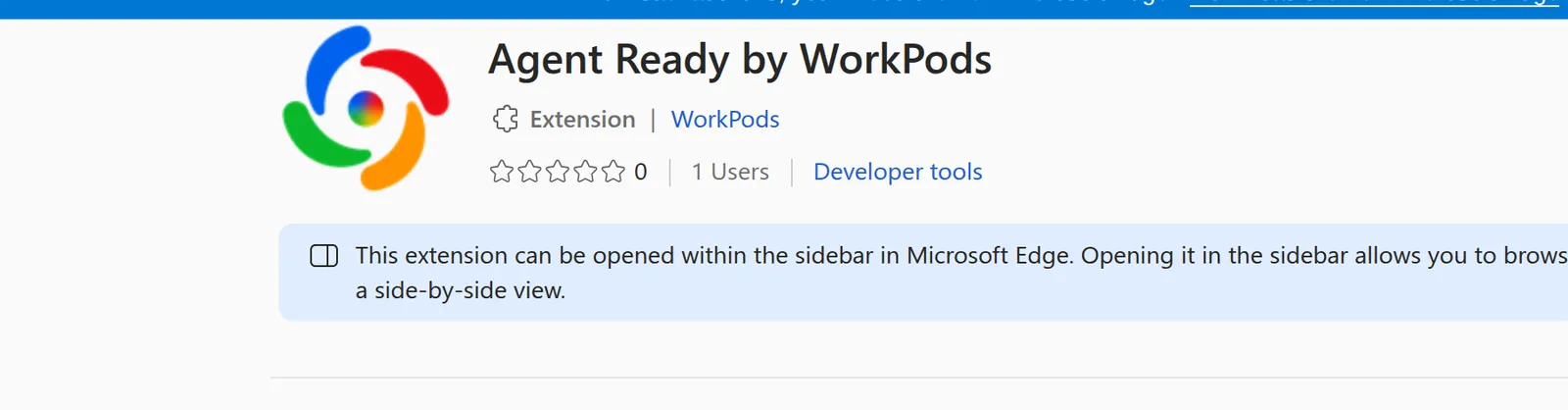 Our Edge Add-ons listing, built from the same zip as Chrome. Its developer link to workpods.ai is followed; checked 11 Nov 2026.
Edge gives your extension a different ID, which catches people out. If a companion app or local service trusts only the Chrome ID, it will refuse the Edge build, so add the Edge ID to its allowed origins.
Which searches will my listing rank for?
Ask a keyword database for the rankings of your listing's URL alone. This request returns the top searches that Chrome Web Store listing pages rank for; narrow the filter to your extension's /detail/ path to see yours.
[
  {
    "target": "chromewebstore.google.com",
    "location_code": 2840,
    "language_code": "en",
    "limit": 20,
    "order_by": ["ranked_serp_element.serp_item.etv,desc"],
    "filters": [["ranked_serp_element.serp_item.relative_url", "like", "/detail/%"]]
  }
]
Post it to DataForSEO's ranked_keywords/live endpoint with your credentials in environment variables. If the listing ranks for your name but not the task, add the task words to the summary and the first line. A brand-new listing usually shows nothing for a few weeks.
The SaaS directories guide compares the other venues, and app marketplaces covers VS Code and website builders. To check the page your listing links to, run Agent Ready.
Questions
Questions buyers ask
How do I improve Chrome Web Store SEO?
Put the searched words in the listing name and the first sentence of the description, describe concrete features in prose, and use screenshots that show results. Match the vocabulary of listings that already rank for "[task] chrome extension".
How do I get a Chrome Web Store developer account?
Register in the Chrome Web Store Developer Dashboard with a Google account and pay the one-time registration fee. Then verify your contact email before you publish.
Is a Chrome Web Store link dofollow?
No. The website link on a listing is rel="ugc nofollow", as it is on ours. The listing page itself still ranks and gets cited by AI answers.
Does Edge Add-ons give a dofollow link?
Yes. Our Edge listing links to our site with no rel value, so the link is followed, though JavaScript adds it.